Your webcam over your game, with no box around it
The effect everyone wants, and the one scene-ordering detail that decides whether it works.
Written by Hakeemify and last checked on . ProMatte is free software under GPL-2.0-or-later.
The look is you over your gameplay with no webcam rectangle around you. The mechanism is simple once it is stated: transparent mode makes the background see-through, and what you see through it is whatever sits below the camera in your scene.
That ordering is the entire trick, and getting it wrong is why transparent mode looks broken to most people the first time they try it.
The scene order
- In your scene, put your game capture or display capture in the list.
- Put your camera source ABOVE it. In OBS' scene list, higher means drawn in front.
- Add ProMatte to the camera source and set Background to Remove (transparent).
- Resize and position the camera source where you want to appear.
- If you see black instead of your game, the camera is below the game source. Move it up.
The result
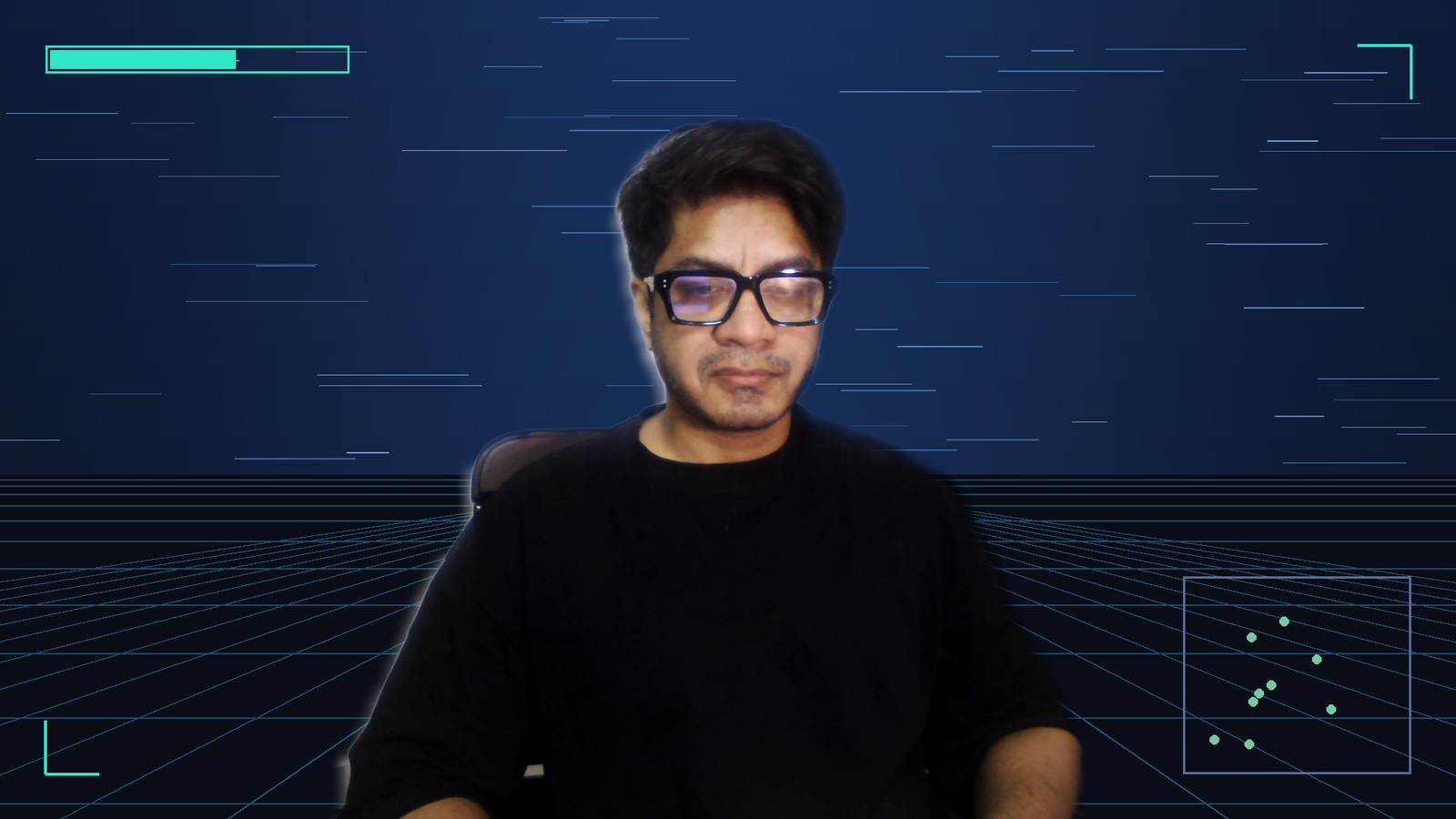
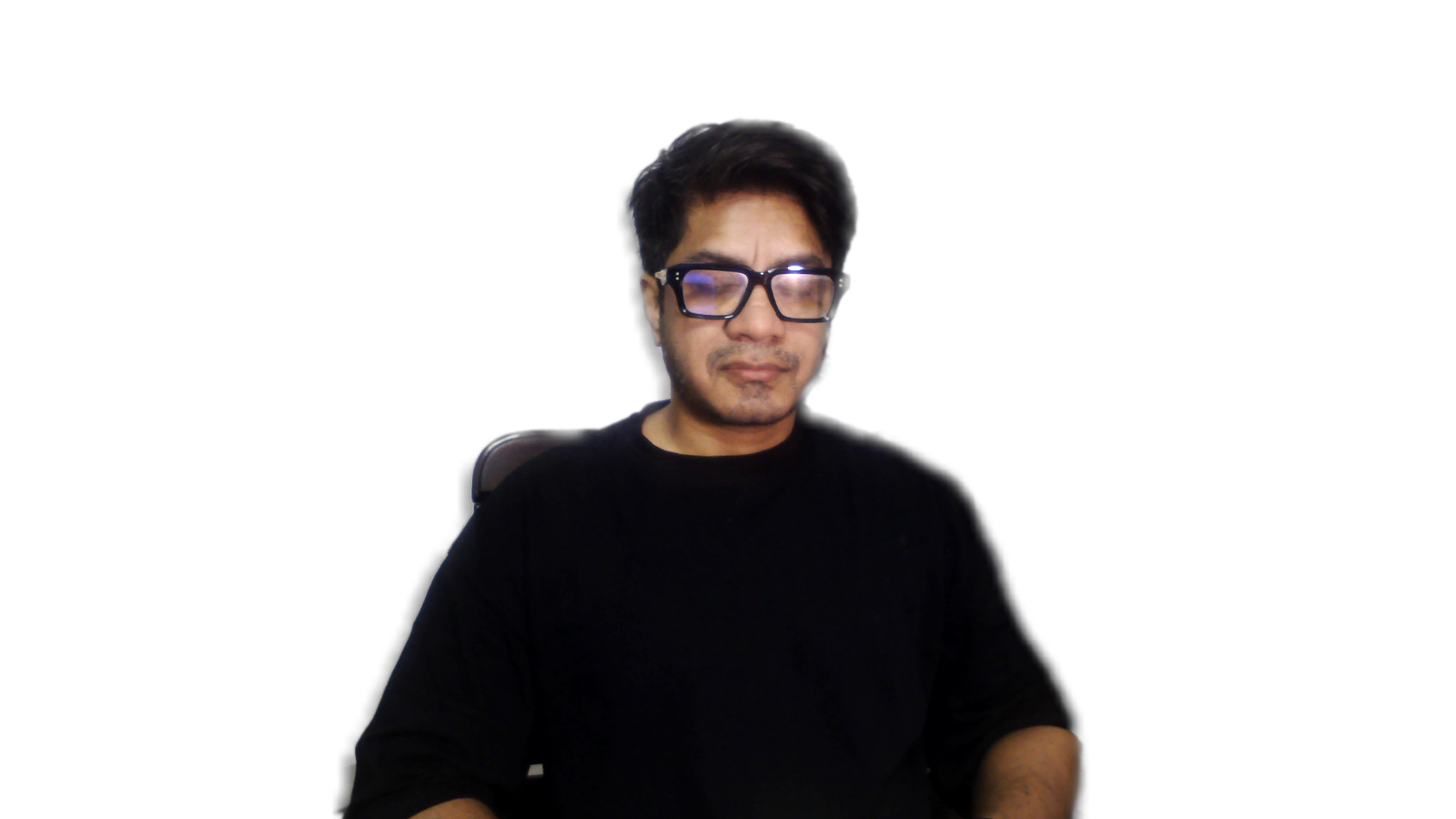
If you open the filter properties dialog and the background looks like the dialog rather than your game, that is expected. The preview inside that dialog has nothing behind the camera. Judge it in the scene, not in the dialog.
What it looks like when nothing is behind it
Recording and streaming look the same as the preview
Preview, recording and stream all see the same composed frames, so there is no separate setting to make this work on the stream. If your recording differs from your preview, check that the debug view is switched off and that no filter placed after this one is discarding the alpha channel.
Honest limits
Known limits
- Every shipped model is single-person or person-class. A second person is only kept if the model happens to segment them. The largest connected region is always kept, so you are never the one who disappears.
- A microphone in front of your face or a mug in your hand is background as far as the person-segmentation models are concerned. RVM handles held objects better because it mattes rather than classifies.
- Robust Video Matting is the best-looking model and the most expensive. On the 2017 test laptop it costs 71 to 96 ms a frame, so Auto does not pick it there. Choose it manually on that class of hardware and you get a high-quality matte that visibly lags.
- Every number here comes from one machine, a 2017 dual-core laptop with a Maxwell GPU. Mid-range and high-end performance has not been verified by anyone.
Real-time AI background removal for OBS. Free, open source, and it never leaves your PC.
Windows installer, Linux .deb and .tar.gz, macOS bundle. Free, GPL-2.0-or-later. ProMatte is GPL-2.0-or-later and stays that way. Sponsorship never buys code, features-behind-a-paywall, or a licence. It buys time, hardware and models.
Questions people actually ask
Why does Remove (transparent) look like it does nothing?
Because transparent makes the background see-through, and you only see that when there is something behind the camera in the scene. Put your game or your slides below the camera, or use Blur to confirm the AI is working.
Does it work with two people?
Partly. Every shipped model is single-person or person-class, so a second person is only kept if the model happens to segment them. The largest connected region is always kept, so the main subject is never the one dropped. Source: docs/final-verification.md section 8 item 6
Why does my microphone disappear?
Segmentation models classify pixels as person or not, and a held object is not a person. RVM handles held objects better because it mattes rather than classifies. Source: docs/final-verification.md section 8 item 9
Will it slow OBS down?
Inference runs on its own thread and the render thread never waits for it. On the test laptop the filter cost 1.7 to 3.3 ms of render time while OBS held 30 fps. Source: docs/final-verification.md section 3.3
Related
- OBS Background Removal: The Complete Guide
- OBS Virtual Background Without a Green Screen
- An obs-backgroundremoval Alternative, and When to Stay Put
ProMatte is free software under GPL-2.0-or-later, built by Hakeemify. Every measurement on this page names the machine it came from.