Background removal not working in OBS
In order of how often it is actually the cause, not in order of how dramatic it sounds.
Written by Hakeemify and last checked on . ProMatte is free software under GPL-2.0-or-later.
Start here: set Background to Blur. If the picture changes, the AI is running and your problem is the mode, not the model. If nothing changes at all, keep reading.
1. Transparent mode is not broken, it needs something behind it
This is the most common report by a distance, and it is not a fault. Remove (transparent) makes the background see-through. If there is nothing underneath the camera in your scene, see-through shows the canvas, which is black.
Either put the thing you want behind you below the camera in the scene list, or pick a mode that draws something itself: Blur, Replace with solid color, or Replace with image.
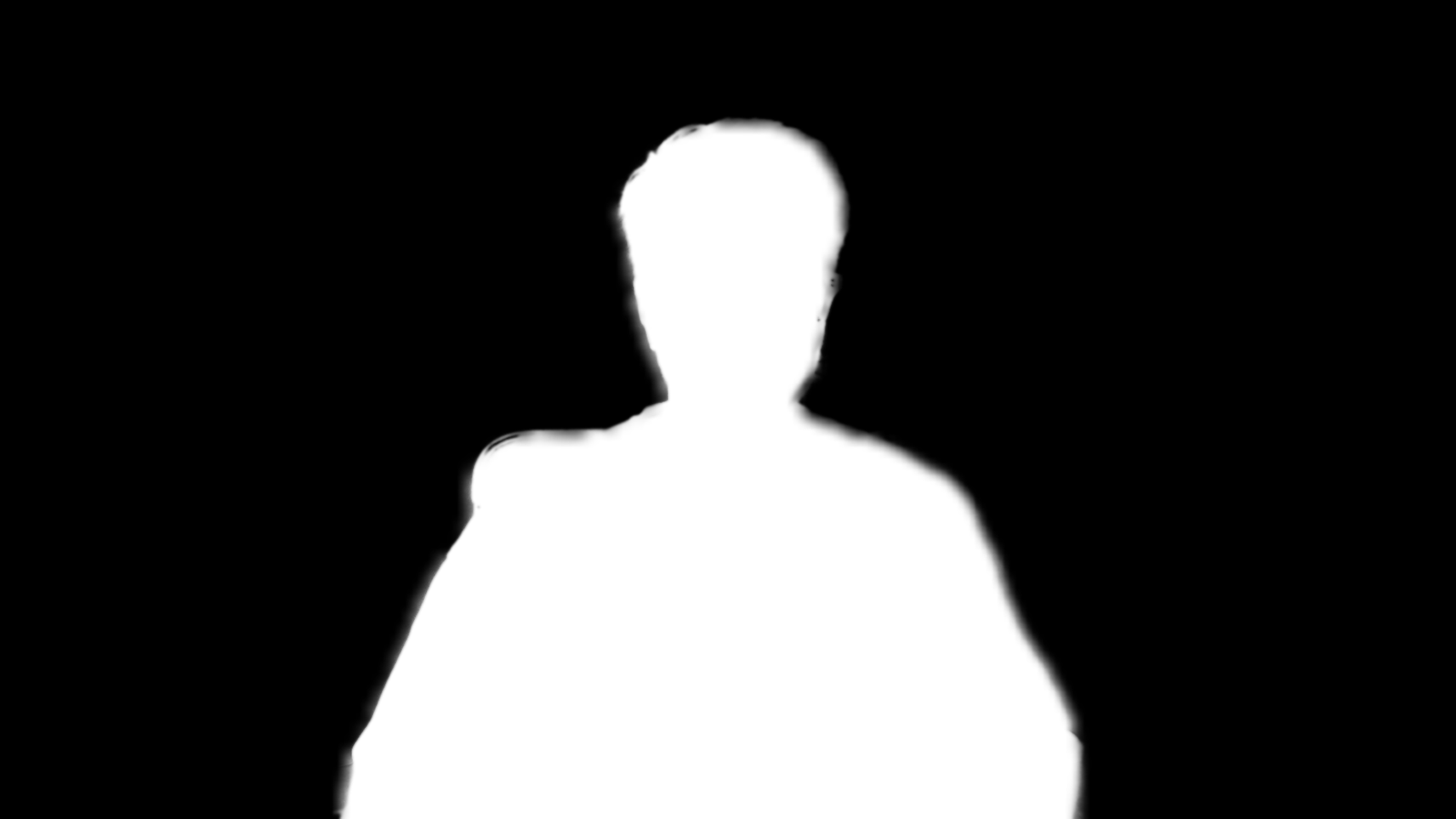
What it looks like when it is working
2. Two copies of the plugin are installed
If an update changed nothing at all, look in the OBS log, under Help then Log Files. A line reading that the source already exists, or naming another copy of the plugin being ignored, means OBS loaded two installations and kept whichever registered first, usually the older one.
Delete one of the two. The Windows installer removes the per-machine copy for you, which is why running it again often fixes this outright.
3. It is still loading
The first inference session on a given GPU compiles shaders before it can run anything. While that happens the filter passes your video through untouched and the status text reads that it is loading a model. It is not stuck.
First-session compile measured 8.4 s on a 2017 low-end laptop (i7-7500U + GeForce 940MX, Windows 11)
Measured: docs/final-verification.md section 8 item 8On an Intel integrated GPU, the same compile took 30 to 76 s on a 2017 low-end laptop (i7-7500U + GeForce 940MX, Windows 11)
Measured: docs/final-verification.md section 8 item 8If none of that was it
- Open Filters, ProMatte, Performance, and click Refresh statistics. The status names the backend, the model, the AI resolution and any error.
- Check the filter is actually enabled: the eye icon on the filter, and the source itself being visible in the scene.
- If the status says no AI model is installed, open Model manager and download one.
- If the status shows an AI processing error, read it. A corrupt model file is fixed by deleting and re-downloading it in Model manager.
- Collect the OBS log from Help, Log Files, View Current Log, and open an issue with it attached.
Check your platform is one that has been verified
Verified end to end on Windows, on one 2017 laptop with a real webcam. Every measurement in this repo comes from that machine.
On Apple Silicon, 1.0.2 loads in OBS 32.2.2 and removes the background, with OBS holding 30/30 fps at 23.6 % CPU. That is a confirmation from a screenshot, not an instrumented run, and there are no benchmark numbers for macOS.
The Intel Mac slice is built and every load command in it resolves, but nobody has run it. Both the CI runner and the machine that confirmed Apple Silicon are Apple Silicon.
Linux builds, passes its unit tests, and produces a package whose module loads with every library resolving. It has never been run inside a real OBS against a camera.
Real-time AI background removal for OBS. Free, open source, and it never leaves your PC.
Windows installer, Linux .deb and .tar.gz, macOS bundle. Free, GPL-2.0-or-later. ProMatte is GPL-2.0-or-later and stays that way. Sponsorship never buys code, features-behind-a-paywall, or a licence. It buys time, hardware and models.
Questions people actually ask
Why does Remove (transparent) look like it does nothing?
Because transparent makes the background see-through, and you only see that when there is something behind the camera in the scene. Put your game or your slides below the camera, or use Blur to confirm the AI is working.
Why is the first start slow?
The first DirectML session on a given GPU compiles shaders. That took 8.4 seconds on the GeForce 940MX and 30 to 76 seconds on the Intel HD 620. Video passes through unchanged while it happens. Source: docs/final-verification.md section 8 item 8
Does it work on Mac and Linux?
On Apple Silicon, 1.0.2 loads in OBS 32.2.2 and removes the background at 30/30 fps. There are no benchmarks for macOS and the Intel Mac slice has never been run. On Linux it builds, installs and loads, but it has never been run inside a real OBS. Source: CHANGELOG.md 1.0.2
Why does my microphone disappear?
Segmentation models classify pixels as person or not, and a held object is not a person. RVM handles held objects better because it mattes rather than classifies. Source: docs/final-verification.md section 8 item 9
Related
- OBS Background Removal: The Complete Guide
- OBS Virtual Background Without a Green Screen
- An obs-backgroundremoval Alternative, and When to Stay Put
ProMatte is free software under GPL-2.0-or-later, built by Hakeemify. Every measurement on this page names the machine it came from.