Fixing the halo and the flicker
Two different problems with two different causes, and one lighting change that helps both more than any slider.
Written by Hakeemify and last checked on . ProMatte is free software under GPL-2.0-or-later.
A halo is a spatial problem: the matte is keeping a ring of pixels that belong to your room. Flicker is a temporal one: the matte is correct in each frame but slightly different from the last. The sliders that fix them barely overlap, which is why guessing wastes time.
Seeing the edge on its own
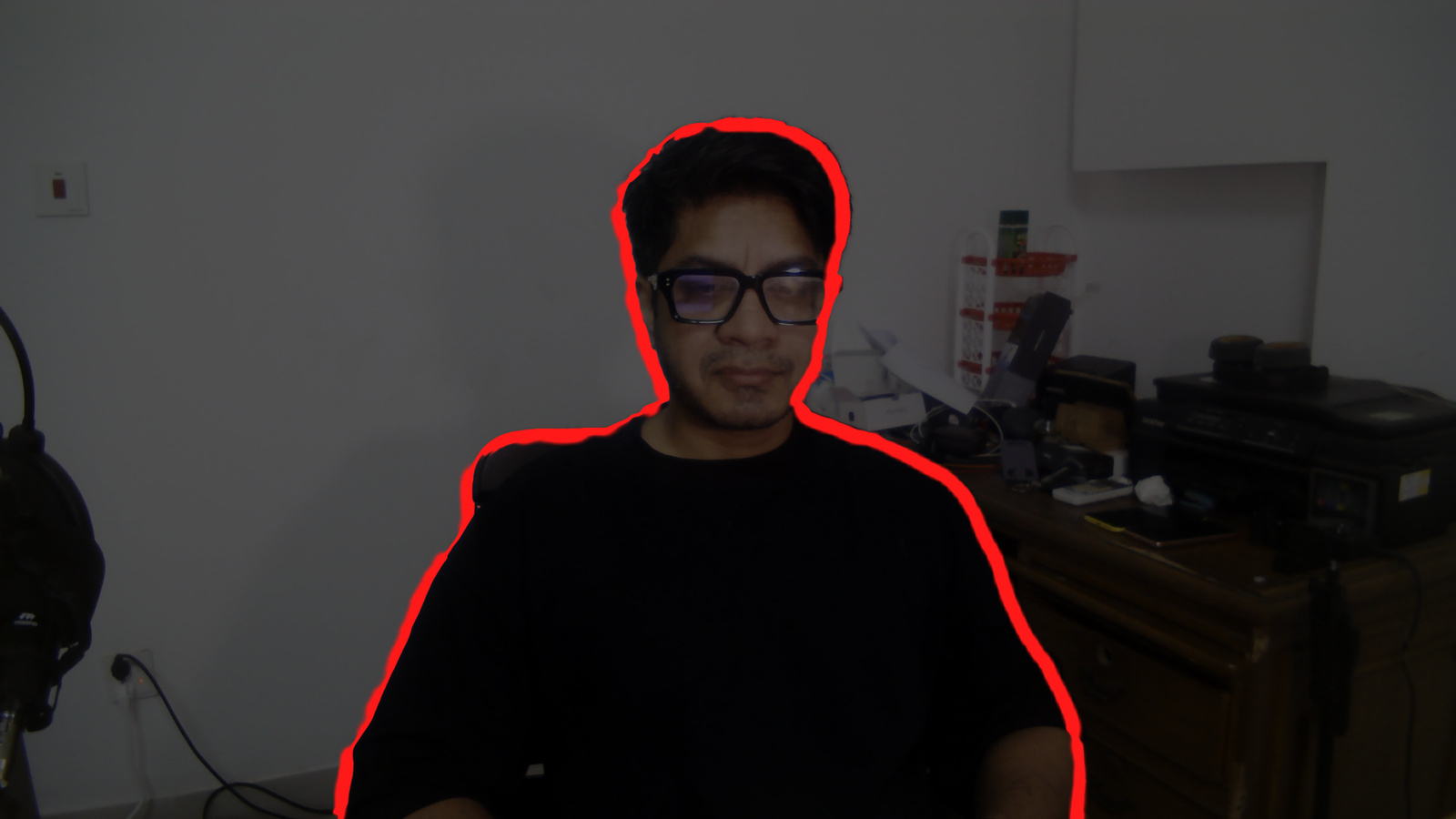
For a halo or a bright fringe
- Raise Edge decontamination. This unmixes the background colour out of your edge pixels.
- Raise Halo removal. This reduces the opacity of semi-transparent pixels that match the background.
- Move Edge shift slightly negative, which pulls the boundary in by a pixel or two. This is usually the one that does it.
- Lower Smoothness for a crisper edge, or raise it if hair now looks cut out.
For flicker or a crawling edge
- Raise Temporal stability.
- Lower Motion response slightly. Raise it back if the matte starts lagging your movement.
- Lock your camera's exposure and white balance. Auto exposure looks like motion to every segmentation model, and this alone fixes a lot of flicker.
- If your GPU has headroom, download Robust Video Matting in Model manager. It carries state between frames and is stable by design.
The change that beats every slider: light yourself separately from the wall behind you. A bright wall directly behind your head is the hardest case for every matting model ever built, and no amount of decontamination fully rescues it.
What no setting fixes
Known limits
- Every shipped model is single-person or person-class. A second person is only kept if the model happens to segment them. The largest connected region is always kept, so you are never the one who disappears.
- A microphone in front of your face or a mug in your hand is background as far as the person-segmentation models are concerned. RVM handles held objects better because it mattes rather than classifies.
- Robust Video Matting is the best-looking model and the most expensive. On the 2017 test laptop it costs 71 to 96 ms a frame, so Auto does not pick it there. Choose it manually on that class of hardware and you get a high-quality matte that visibly lags.
- Every number here comes from one machine, a 2017 dual-core laptop with a Maxwell GPU. Mid-range and high-end performance has not been verified by anyone.
Real-time AI background removal for OBS. Free, open source, and it never leaves your PC.
Windows installer, Linux .deb and .tar.gz, macOS bundle. Free, GPL-2.0-or-later. ProMatte is GPL-2.0-or-later and stays that way. Sponsorship never buys code, features-behind-a-paywall, or a licence. It buys time, hardware and models.
Questions people actually ask
How do I get rid of the halo around my hair?
Raise Edge decontamination and Halo removal, move Edge shift slightly negative, and light yourself separately from the wall behind you. A bright wall directly behind the head is the hardest case for every matting model.
Why does my microphone disappear?
Segmentation models classify pixels as person or not, and a held object is not a person. RVM handles held objects better because it mattes rather than classifies. Source: docs/final-verification.md section 8 item 9
Do I need an NVIDIA card?
No. It runs on any D3D12-capable GPU through DirectML, including Intel and AMD, and falls back to the CPU. The machine every number here was measured on is a 2017 laptop with a GeForce 940MX.
Related
- OBS Background Removal: The Complete Guide
- OBS Virtual Background Without a Green Screen
- An obs-backgroundremoval Alternative, and When to Stay Put
ProMatte is free software under GPL-2.0-or-later, built by Hakeemify. Every measurement on this page names the machine it came from.